

What You Need
Already have an account? Skip to Step 1.
Step 1: Open Your Workspace
Go to doe.so or dashboard.doe.so and sign in. If teammates on your email domain already use Doe, you can request to join their workspace; otherwise create a new one. A short setup flow asks about your role and tools, helps you make your first connections, and seeds starter prompts. The home screen keeps a Get started with Doe checklist until you have covered the basics.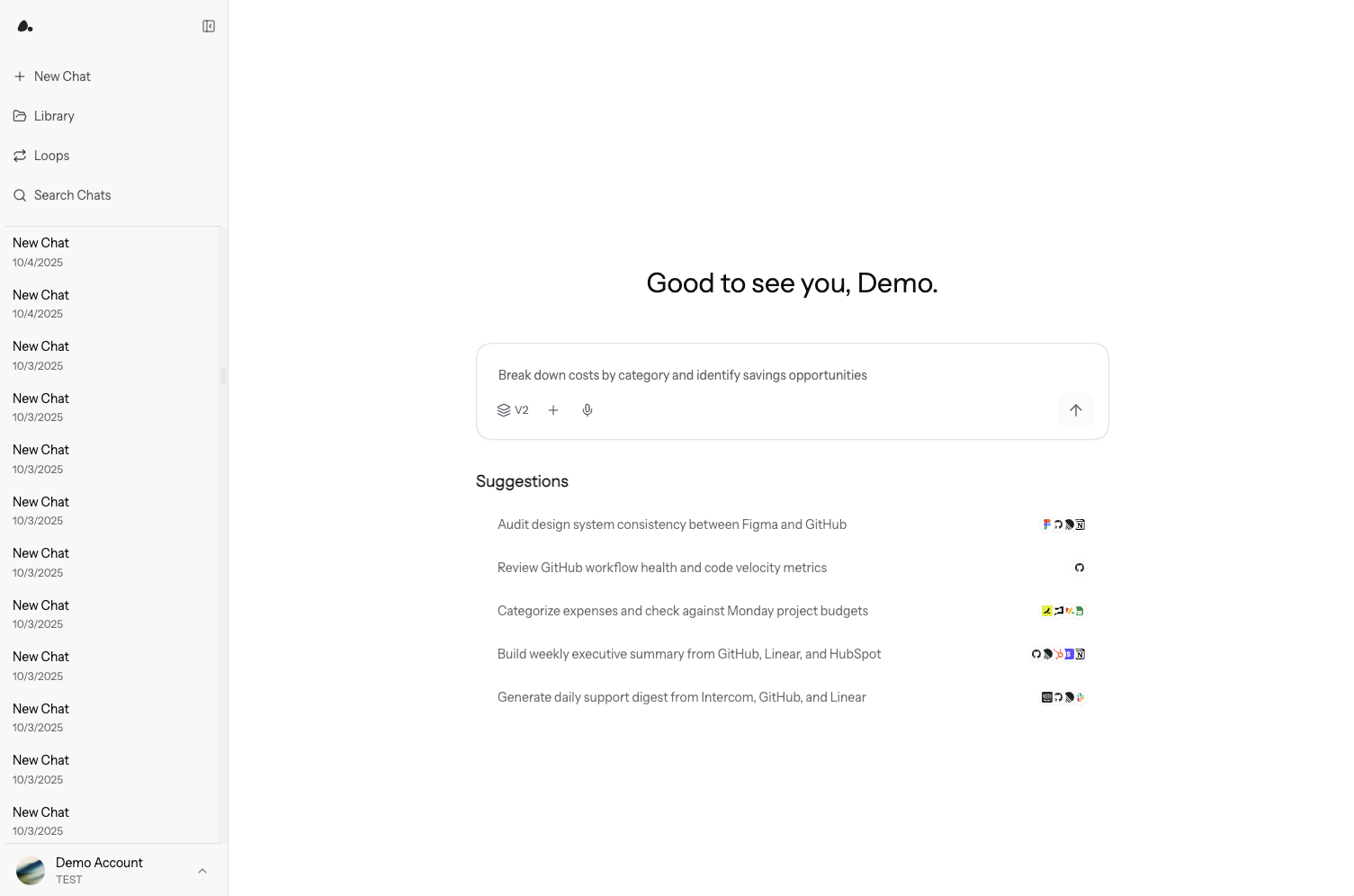
Step 2: Connect Your First Work Surface
Go to Settings -> Connections and connect a service Doe should use, such as Gmail, Slack, HubSpot, Google Drive, Google Sheets, or a database.Step 3: Add Context
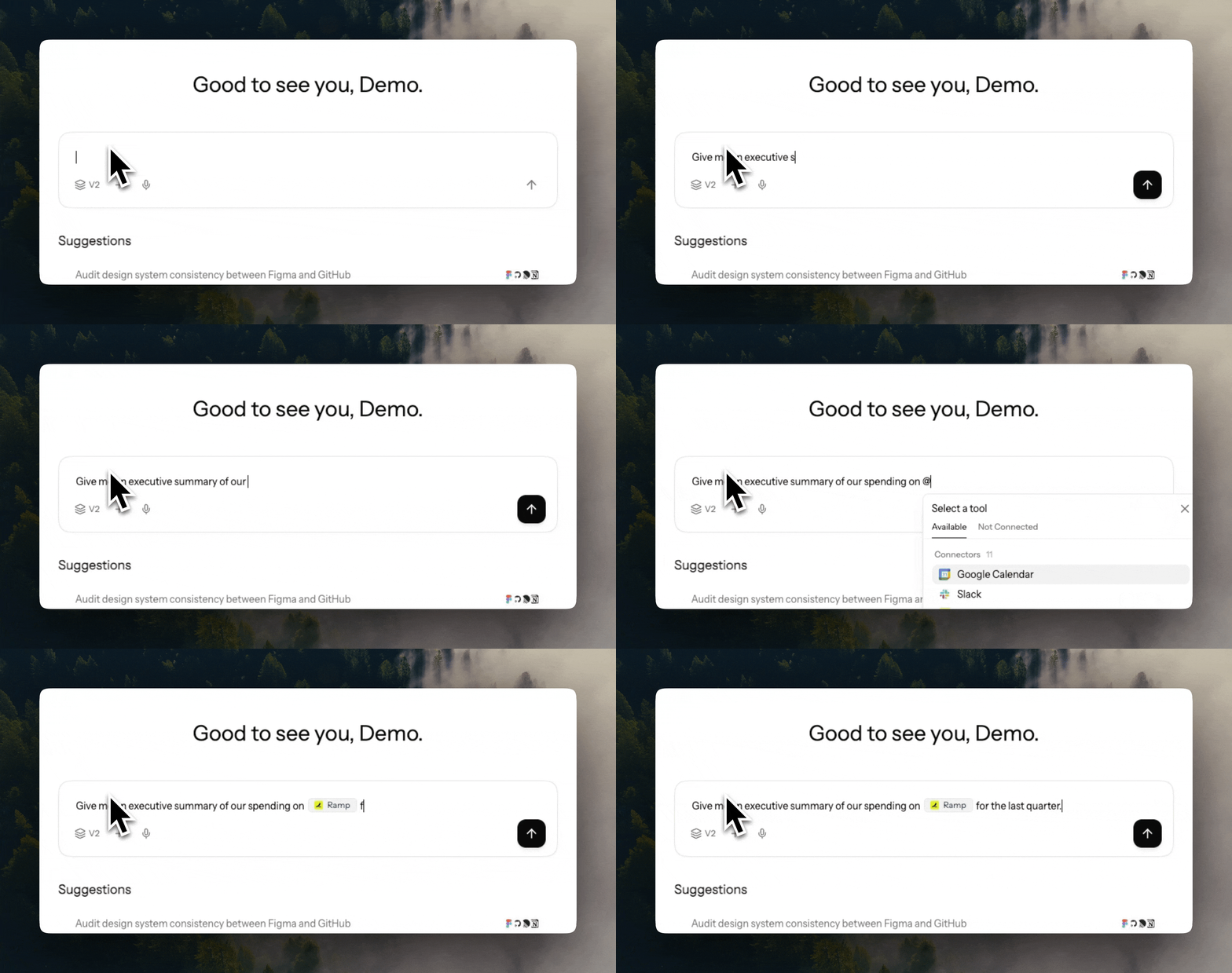
Upload a file in chat or add reusable files to the Library. Doe supports documents, spreadsheets, CSVs, JSON, text, Markdown, images, and ZIP uploads of supported files. Use@ to mention a file, folder, Google file, previous session, or connected integration.
Step 4: Delegate Your First Task
Start with a concrete outcome. Include the source, output format, constraints, and approval rules.Step 5: Review, Share, or Turn It Into a Loop
Open the preview pane withCmd + I or Ctrl + I. You can inspect agent activity, files, spreadsheets, sources, generated charts, and Loop configuration without leaving the chat.
From there, you can download a generated file, save it to the Library, share a response or conversation, or turn recurring work into a Loop.
What’s Next
Task Playbooks
Choose the first real task to delegate
Agents
Learn how delegation, subagents, and activity tracking work
Working with Files
Upload, search, analyze, and fill documents
Sharing and Collaboration
Share conversations, files, folders, and specific responses
Spreadsheets
Create, edit, style, validate, and sync spreadsheets
Integrations
Connect apps where Doe can search and act
Loops
Schedule recurring agent work
Need help? support@doe.so