

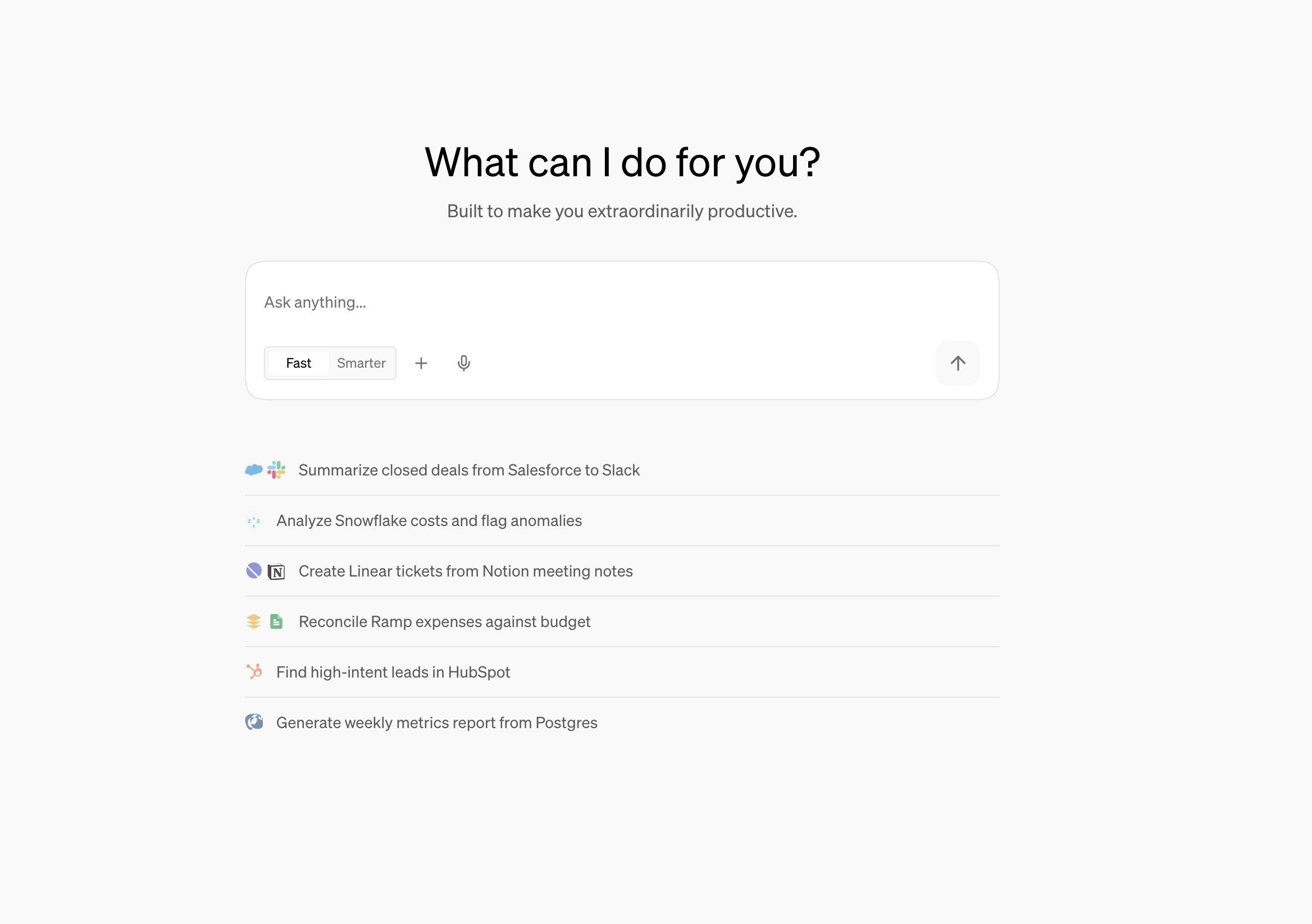
The AI platform for work
Doe lets you delegate real work to AI agents and get finished artifacts back with sources attached. Agents search, analyze, edit, draft, automate, and act across the work you already have: files, apps, spreadsheets, websites, conversations, and prior decisions. Ask naturally, from the web, Slack, email, or text. Doe decides whether the request needs a quick answer or deeper agent work. For larger outcomes, Doe gathers context, coordinates subagents when useful, produces reviewable artifacts, and keeps the work visible from start to finish. The result is not just another answer. Doe creates the memo, fills the form, builds the workbook, drafts the email, cites the source, posts the update, or turns the work into a scheduled Loop.Why Teams Use Doe
Agents that work across context
Search conversations, file contents, folders, prior sessions, connected apps, and the web without copying context between tools.
Finished work, not just chat
Produce filled documents, structured extracts, spreadsheets, dashboards, published sites, research packs, and drafts.
Work you can supervise
Watch activity, inspect sources, open artifacts, steer work while it runs, and approve external actions before they happen.
Recurring agents for recurring work
Turn reporting, monitoring, follow-up, and reviews into Loops that run on a cadence.
Cloud spreadsheets and analysis
Create, edit, style, validate, chart, export, and sync workbooks as part of larger agent work.
Team-ready handoffs
Share conversations, specific responses, folders, files, workbooks, and research trails with the right access.
Start a task from anywhere
Message Doe from the web, Slack, email, or text, and pick up any session in the workspace.
Deploy Agents For
Revenue operations
Pipeline risk, renewal prep, stalled deal follow-up, prospect lists, CRM hygiene, and account briefs.
Research and strategy
Market maps, pricing extraction, competitive intelligence, vendor comparisons, and cited decision memos.
Finance and operations
Board metrics, investor updates, expense reviews, model building, public comps, and recurring reports.
Task playbooks
Learn how to turn messy business work into repeatable tasks with review and approval points.
From Prompt To Finished Work
Real Work You Can Delegate
What Doe Can Use
Files and Library
Upload, organize, search, extract, fill, edit, share, and reuse documents, spreadsheets, images, and ZIPs.
Integrations
Connect 75+ apps for email, calendar, CRM, ads, analytics, databases, support, projects, docs, and more.
Research and sandboxes
Review websites, extract structured data, analyze connected databases, run calculations, and generate artifacts.
Subagents
Larger requests can split into focused pieces before Doe checks and synthesizes the final result.
Dashboards and published sites
Deliver interactive dashboards in your workspace or publish real web pages with a permanent link.
Desktop app
Run Doe natively on macOS, Windows, or Linux and sync local folders into the Library.
Get started
Quickstart
Delegate your first task
Task Playbooks
See what to deploy agents for
Agents
Learn how delegation and subagents work
Working with Files
Upload, search, analyze, and edit files
Sharing and Collaboration
Share sessions, responses, files, and folders
Spreadsheets
Build and edit spreadsheet outputs