

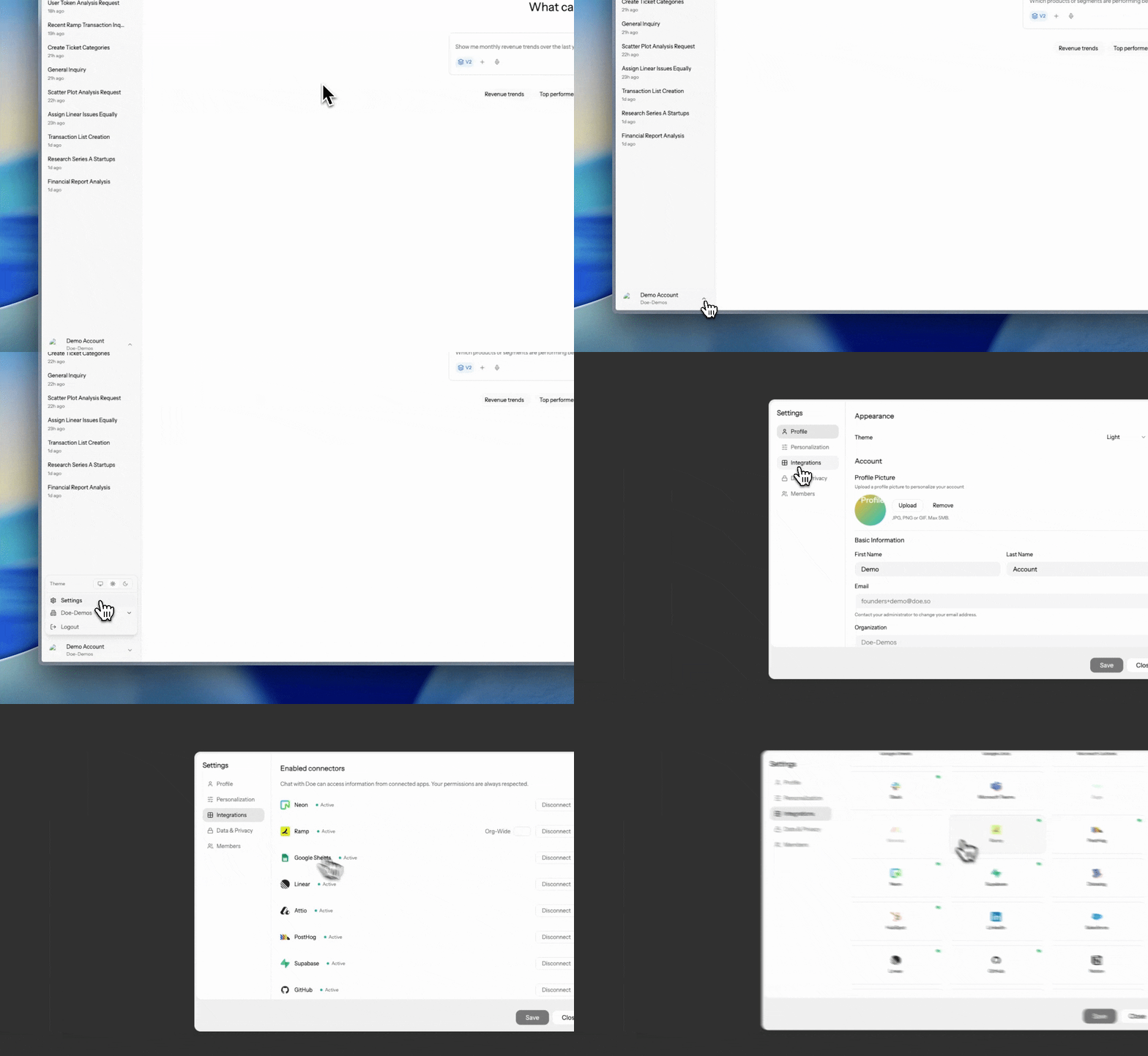
How Doe Routes Work
What Happens During Agent Work
Doe keeps the experience simple: you describe the outcome, then review the work. Behind that, a larger request moves through visible stages.
For larger requests, Doe uses multiple subagents in parallel so independent parts of the job move at the same time. Where intelligence modes are available, Max mode gives the hardest work more context and larger subagent fleets; see Chat.
The Activity Stream
Substantial work narrates itself in the conversation. Activity is grouped into collapsible sections, and each finished section settles into a one-line receipt with what happened and how long it took, such asSearched web for pricing · 12s. Expand any section to see the individual actions, their targets, and their results.
Subagents appear as named rows with their assignment. When a subagent finishes, it files a completion receipt you can open: scope coverage (such as 4/4 covered or blocked), a confidence level, and structured Findings, Issues, Gaps, and Recommendations, so you can see not just what was found but what was not.
Sources You Can Open
Answers cite their sources inline. Each citation is a small pill; hover to preview the source and why it was cited, and click to go to the exact evidence:
Doe also treats named sources as commitments: when you point it at a specific file, sheet, or table, that source is carried through the work as a hard dependency rather than quietly substituted with something similar.
Verified Before It’s Done
Doe checks its own work before presenting it:- Deliverables must exist. If the result claims a saved or downloadable file, the run is checked for real persistence evidence before it can complete. A clickable file pill only appears once the file has actually been saved.
- A reviewer pass runs on substantial work. You will sometimes see
Reviewing responseorRequesting revisionsin the activity stream as Doe rejects and reworks its own output. - Loops verify their hard requirements against the Loop’s spec on every run. See Loops.
Built for Long Runs
- Transient provider issues retry silently. Momentary overloads and rate limits are absorbed with automatic retries and fallbacks; you only hear about a problem if it persists.
- Paused work keeps its progress. When a run pauses, for an approval or at your request, everything done so far is preserved, and resuming picks up where it left off.
- Interrupted runs keep their trail. Stopping a run keeps the full activity record, sources, and any artifacts produced so far.
- Large data is never silently truncated. Oversized results are externalized into complete, navigable artifacts, and heavy processing moves into the code sandbox, so a 50,000-row export comes back whole.
Memory of Prior Work
Doe can look back at previous sessions and audit its own past runs. Ask things like:From One Request to Repeatable Work
Start with one delegated outcome. If the same work should happen again, turn it into a repeatable task.
The same building blocks apply across every substantial task: context, delegation, activity review, generated artifacts, approvals, sharing, and Loops.
Subagents
Subagents are specialized AI assistants that help with focused parts of a larger task. They are useful when a request has independent pieces of work, such as researching several competitors, reading many files, comparing multiple apps, or validating a spreadsheet. You do not need to configure subagents directly. Doe uses them when they help finish the work faster or more reliably, and the activity view shows the work at a high level. Examples:Managing Multiple Agent Runs
You can start more than one substantial request and move between conversations while work continues. Active work is visible in the sidebar and preview pane. Open any run to inspect progress, review files, or send a steering message. Useful follow-ups while agent work runs:Focus only on enterprise accounts.Use the file I just uploaded as the template.Skip LinkedIn and use HubSpot plus Gmail instead.Pause before sending anything externally.
What Agents Can Use
Depending on your permissions and connected context, agents can use:- Uploaded files, Library files, folders, and prior sessions
- File-content search across indexed documents
- Document extraction and PDF/DOCX editing
- Spreadsheet creation, formatting, formulas, charts, validation, and export
- Dashboards and published static sites as durable deliverables
- Library organization: creating files and folders, renaming, and moving work into place
- Saved memories and approved lessons from previous work
- Connected apps such as Gmail, Slack, HubSpot, Salesforce, GitHub, Linear, Notion, and more
- Web research, website review, and structured data extraction
- Database analysis through connected database integrations
- Code sandboxes for calculations, analysis, charts, and generated artifacts
- Loops for scheduled recurring work
Task Playbooks
See practical ways to deploy agents
Chat and Preview Pane
Watch activity, files, spreadsheets, and sources beside the conversation
Research and Code Sandboxes
Learn how agents research, analyze data, and create artifacts